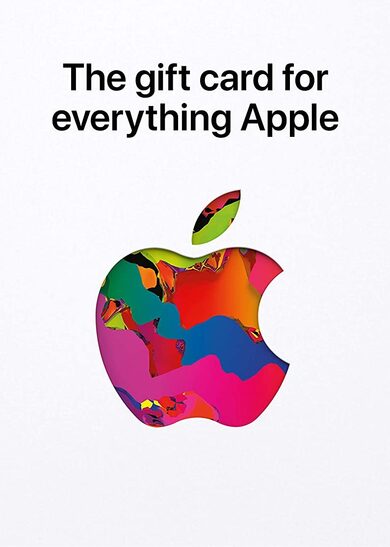
Apple Gift Card 5 USD Key UNITED STATES
The apple store gift card is a multi-use product for any apple user as it lets you purchase apple products, accessories, apps, games, music, movies, and more on the apple store, which makes it a great catch.
Checking out apple gift card offers is the ideal option if you already use apple services and want to improve your experience in a new fascinating way.
It won’t be hard to buy apple gift card 5 usd key as there are many user-friendly online stores that present great deals.
So get ready to try out everything apple offers in a blink of an eye.
What can i buy with an apple gift card.
There are quite a few products and services you can buy by using an apple store gift card: • apps and games.
Get your hands on any apple store app and game you desire.
• in-app transactions.
Any in-app purchase you make will be easy to complete and one tap away.
• itunes.
Tired of listening to the same music.
You’ll be able to purchase new song albums and podcasts without any trouble.
• apple books.
You will be able to purchase new books and articles and add them to your permanent reading library.
• apple tv.
Buy and rent movies, and tv shows and access any premium channels you want.
• subscriptions.
Pay for apple music and movie streaming services or in-app monthly transactions.
• icloud.
Access apple’s cloud services to store your music, photos, and documents safely.
• physical apple products.
You can use your gift card to buy products like iphones, airpods, and many more from the apple store.
How can i buy an apple gift card online.
You can buy apple gift cards in the official store, but there are many great alternatives that offer a cheaper apple gift card to get the most value out of the price you pay.
Online marketplaces like eneba offer a user-friendly interface, and various cheaper apple gift card deals while providing the best experience once you decide to buy apple gift card 5 usd key for yourself.
Redeeming the apple gift card here’s how you can activate your apple gift card to be able to use it in the apple app store: how to redeem the apple code on iphone, ipad, or ipod.
• open the app store on your device.
• press the account button on top of the screen.
• tap the sign-in button or your photo on the top of the screen.
• choose the redeem gift card or code option.
• enter the purchased apple gift card code.
• finish the process by pressing redeem.
How to redeem the apple code on mac.
• open the app store on your mac.
• sign-in or click on your profile name.
• select the redeem gift card option.
• enter the purchased apple gift card code.
• finish the process by pressing redeem.
How to redeem the apple code on windows pc.
• press the account button on top of the window.
• click the redeem option.
• sign-in with your apple id.
• enter the purchased apple gift card code.
• finish the process by pressing redeem.
How to redeem the apple code on an android device.
• open the apple music app on your android device.
• press the menu button and select the account option.
• choose the redeem gift card or code option.
• enter the purchased apple gift card code.
• finish the process by pressing redeem.